Lamination seals a document between two layers of film, making it water-resistant, tear-resistant and protected from everyday handling. Done properly it lasts for years. Done carelessly it traps bubbles, curls at the edges, or jams the machine. The difference is a handful of habits.
Hot lamination uses heated rollers to melt an adhesive layer onto the document, producing the durable, glossy finish most people picture. Cold lamination uses pressure-sensitive film and no heat, which matters for anything heat-sensitive — thermal receipts, some photographs, older ink-jet prints that can smear. Every HP laminator TWO STEPS sells does both, so you are never locked into one method.
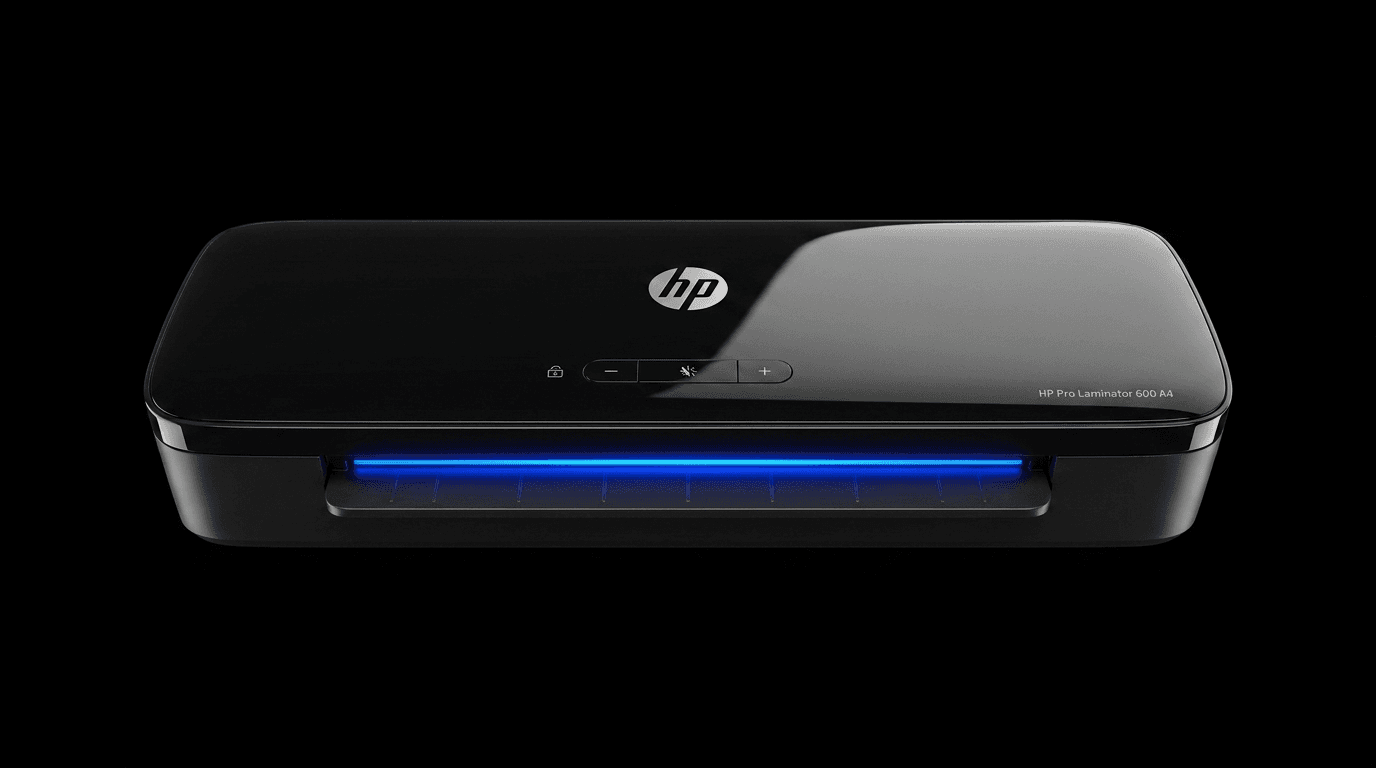
Before you laminate, make sure the document is completely dry and flat. Moisture turns into trapped steam, and steam turns into bubbles. Creases become permanent the moment the rollers pass over them. Give the machine its full warm-up — about one minute on the HP Pro Laminator 600, longer on entry-level machines — because feeding a sheet into cold rollers is the single most common cause of a cloudy finish.
Feed the pouch sealed-edge first, straight and centred. If it goes in at an angle, do not pull it backwards by hand. Use the reverse function on the Pro Laminator 600, or the ABS anti-jam release fitted to every HP laminator in our range, which disengages the rollers so the pouch comes free without tearing.
When the pouch emerges it is soft and pliable. Lay it flat on a cool surface and leave it alone for thirty seconds. Handling or stacking a warm pouch is what causes the gentle curl you see on badly laminated documents.
One judgement call: not everything should be laminated. A laminated document cannot be signed, stamped, amended or legally certified afterwards. For anything you may need to update, laminate a working copy and keep the original in an archival sleeve.
Whichever HP laminator you use, the technique is the same. Browse the five HP laminators TWO STEPS supplies across Dubai and the UAE, all with hot and cold lamination, 75 to 125 micron support, and a 2-year local warranty.
Explore TWO STEPS Products
Find the right laminator, film, or workspace tool for your needs.
Browse Products